Docs
Getting started
From a blank app to a working instrument in about ten minutes.
Try it without installing anything
The live demo runs in the browser on sample data — no signup, nothing saved. It’s the same app, so anything in these docs can be tried there first.
The first run
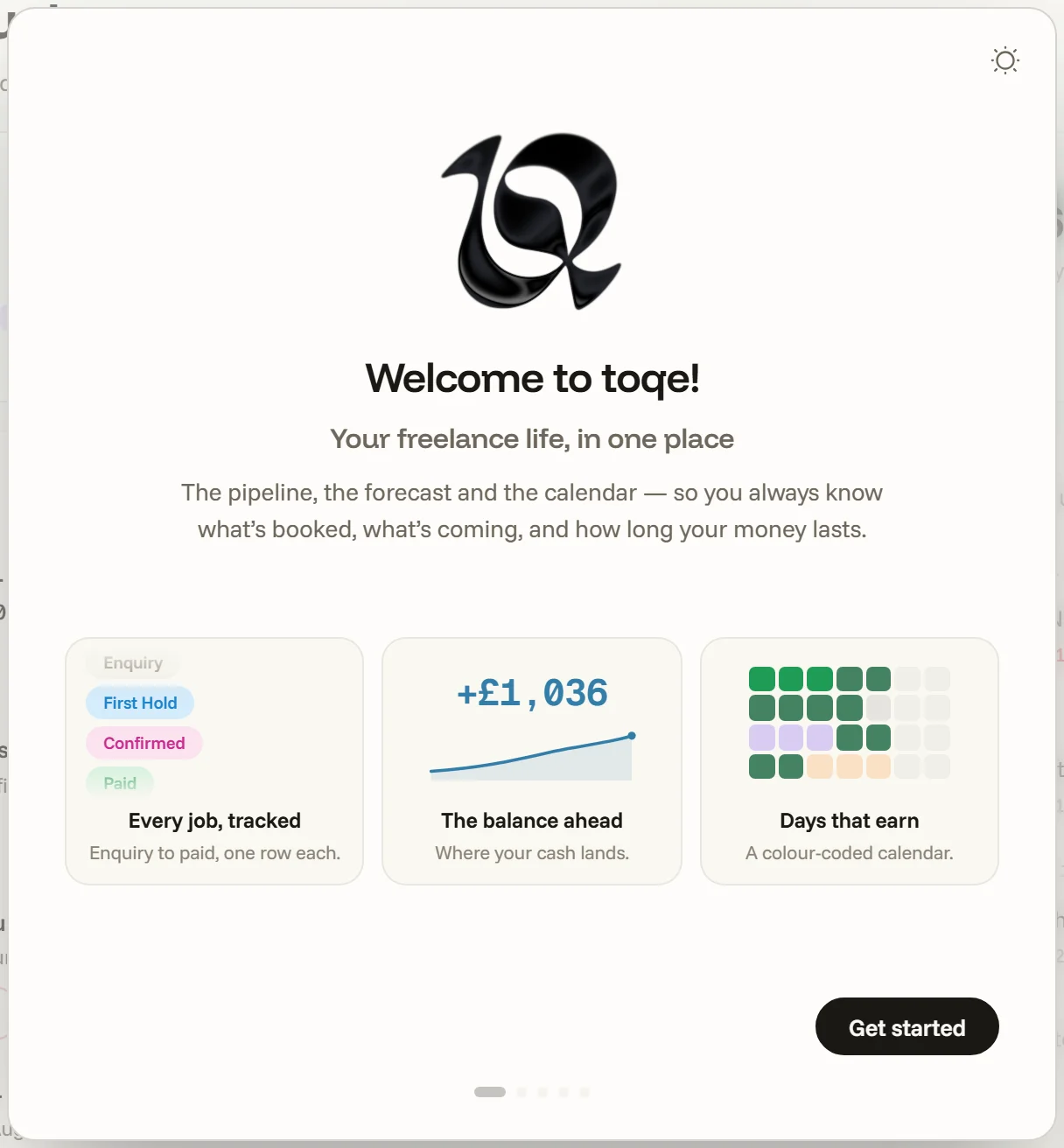
The desktop app (Mac & Windows, both installers signed; an iOS app is on the way) opens with a short welcome: a few cards on what toqe does, then three steps that set it up.
- A home. Everything lives in one toqe document — pick where it goes. A folder that syncs (Dropbox, iCloud Drive, Google Drive, OneDrive) doubles as your backup and carries the same document between machines. “Decide later” is fine too: toqe keeps a home in your Documents folder so nothing you type is ever homeless. Your data has the full story.
- About you. Your name and email, as they print on an invoice, and where and how you’re taxed — the country picks the recipe (set-aside, fiscal year, deadlines, even the local word for VAT) and the structure beside it (sole trader, limited company and so on) turns a flat percentage into a real estimate. Later keeps a flat rate of your own for now. toqe speaks ten countries — UK, Ireland, France, Germany, Spain, Portugal, Greece, US, Canada and Australia.
- Ready. A last card says where your cash line will live, and you’re in.
Everything else starts from sensible defaults and waits in Settings: your base currency, day rate and payment terms under Money, VAT registration under Taxes. If you already use toqe and are setting up a new machine, you link your existing document at the home step and none of the rest appears.
Four first moves
Once the welcome closes, a small Getting started card offers four guided first moves — add a client, create a project, book time off and add a bill. Each one opens its own page and walks you through it with a guide beside the controls; nothing is blocked while it runs, and each row ticks itself off when the thing exists in your document. Hide for now tucks the card away; it never appears over a document that already holds work.
Worth doing in the first sitting
- Type your balance — click the figure at the top of the Forecast page. The forecast simulates forward from this number; with it blank, the curve starts from nothing.
- Set a safety buffer — the figure in the sentence under it, the cushion the forecast won’t let the balance dip below without telling you.
- Add your regular costs in Expenses — the bills you know, and rough allowances for the rest. The burn is half of what makes the runway honest.
- Book what’s already booked: sweep this month’s work onto the Calendar, or add rows in Projects.
- Bring your history in if you have it — Importing takes a CSV from anywhere.
The desktop app runs a free trial; buying once unlocks it for good — toqe is a one-time purchase, not a subscription.