Docs
Savings
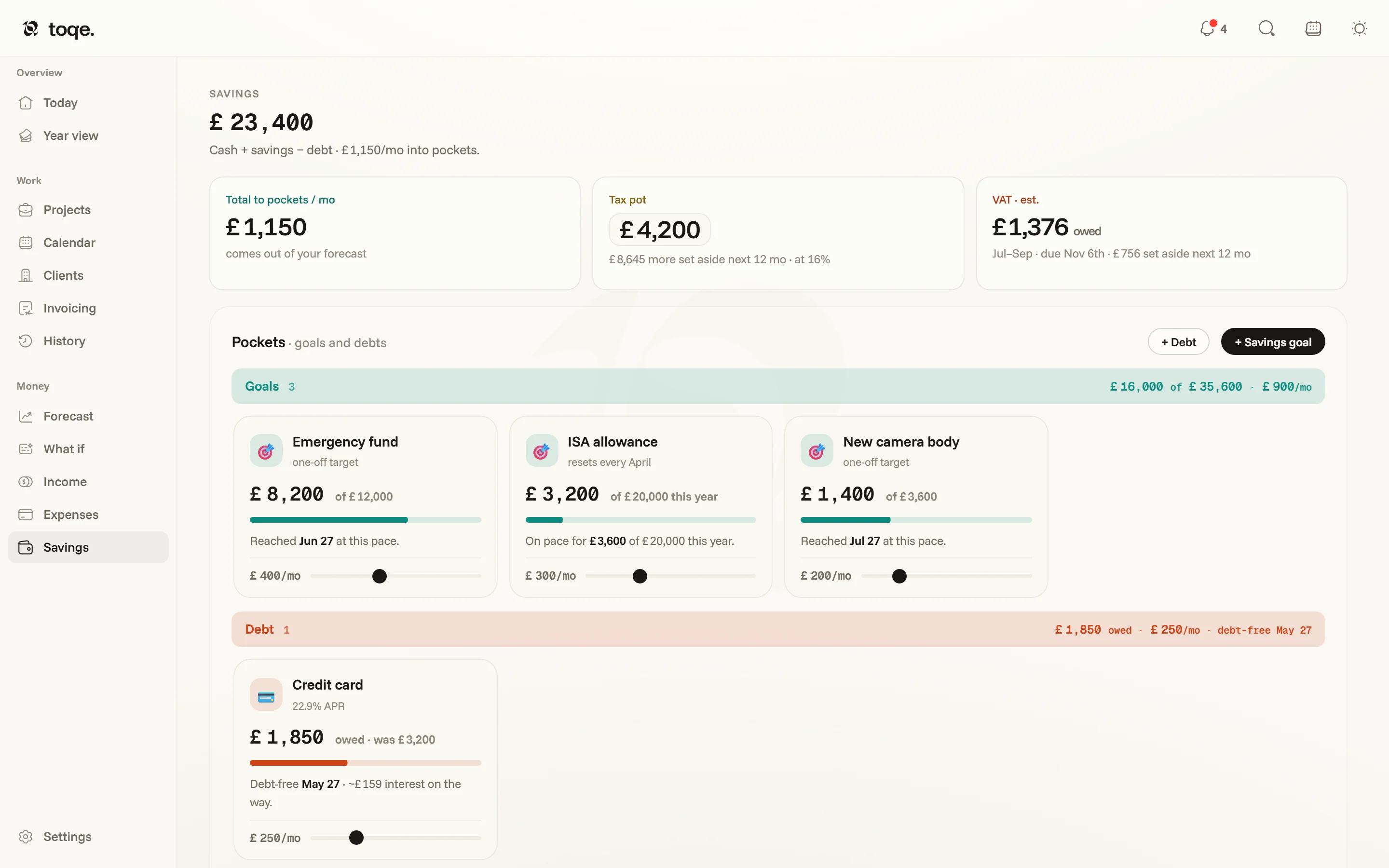
Where the surplus goes: goals filling, and debts draining.
Pockets
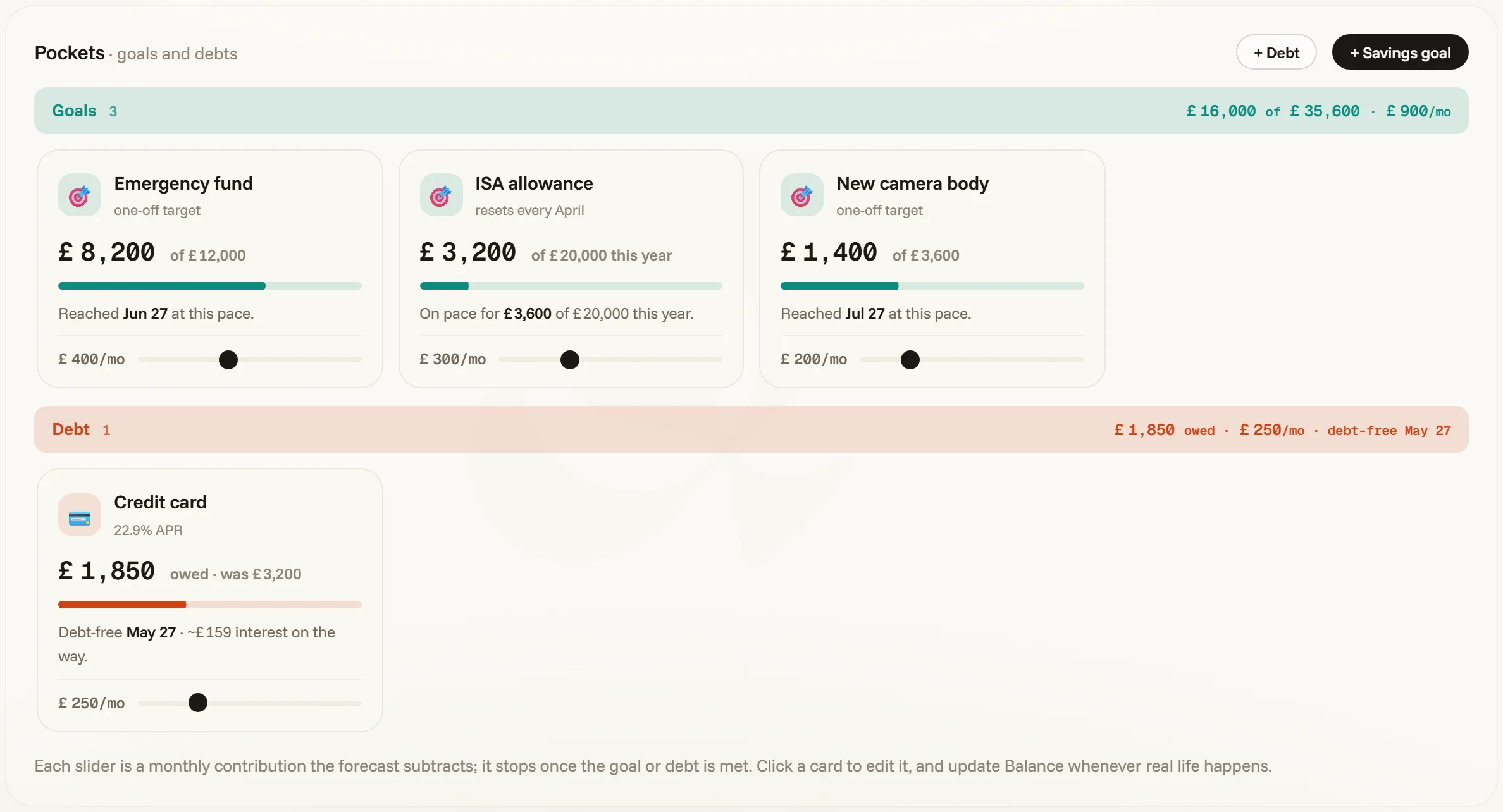
The headline is everything you’ve saved. Below it, + Savings goal and + Debt add a pocket. A goal has a target and a monthly pace — the card shows where it stands and when it lands at this pace, and the slider bends both. A goal can be one-off (the camera body) or resetting (an ISA allowance that starts over every April). A debt carries its APR: the card names the debt-free date and what the interest will cost on the way, and its slider shows what a little more each month buys you. The band sums tell the whole story — everything pocketed, everything owed, the total flowing monthly.
Click a card to edit it in place — its emoji, name, target, balance — and update the balance whenever real life happens.
One forecast feeds it
Each slider is a monthly contribution the forecast subtracts, alongside your bills and the tax set-aside, and it stops once the goal is reached or the debt is paid. The debt-free month is the one the Forecast’s card shows, and What if’s Goals lever tries other amounts before you commit to them.
The tax pot isn’t a pocket — it lives on the Taxes page, beside the deadlines it’s saving for.